Products / iXBRL validator

The iXBRL & XBRL validator that tells you how to fix it.

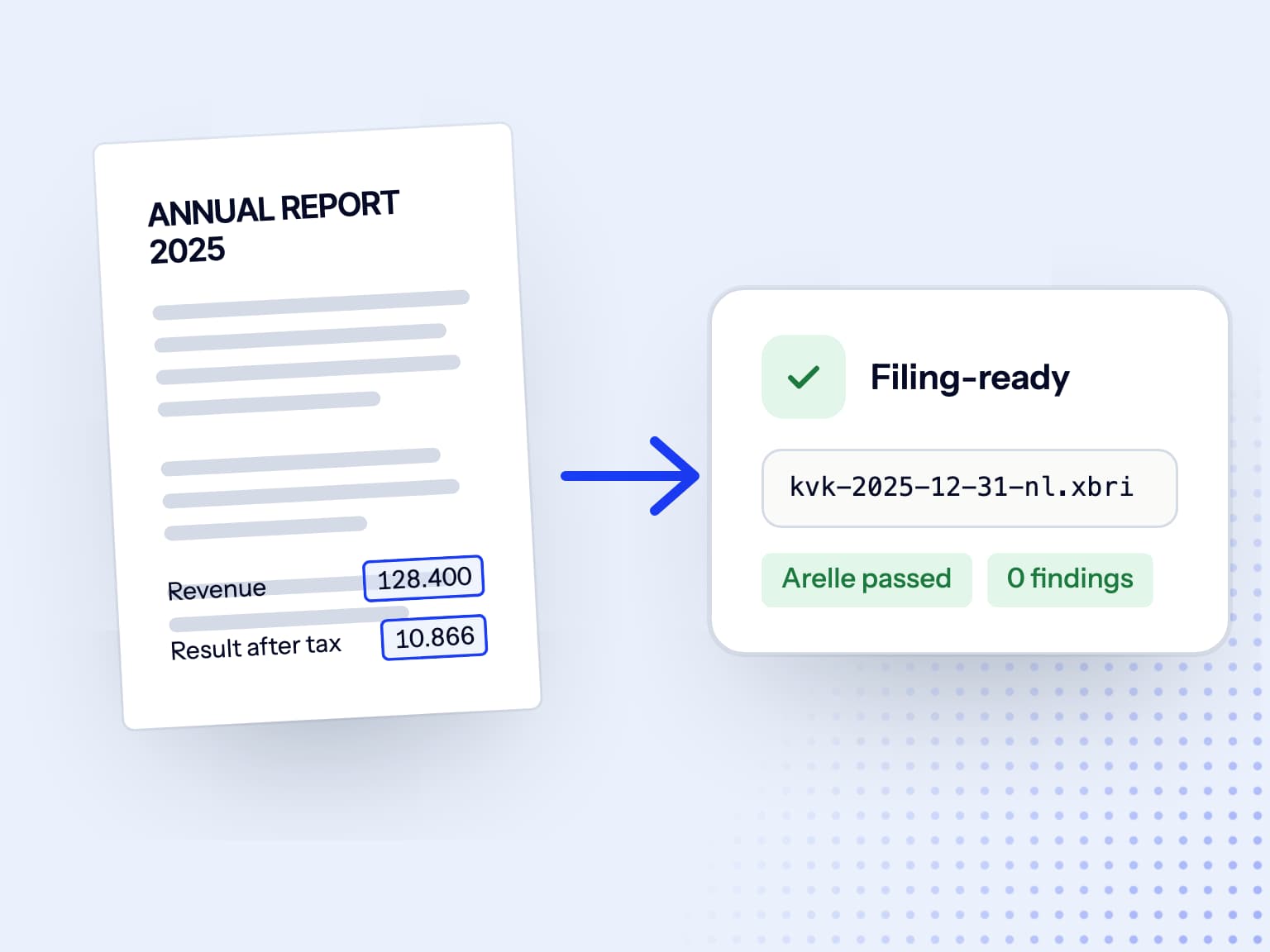
Looking for an iXBRL or XBRL validator? Doc2iXBRL checks your report package against the XBRL and Inline XBRL specifications, recomputes every total against the calculation relationships in the taxonomy, and applies the filing rule set for wherever the report is going: SBR for KVK, ESEF for the AFM and ESMA. Findings come back in plain language with the fix, not just a rule code, so the problems surface before your filing does.

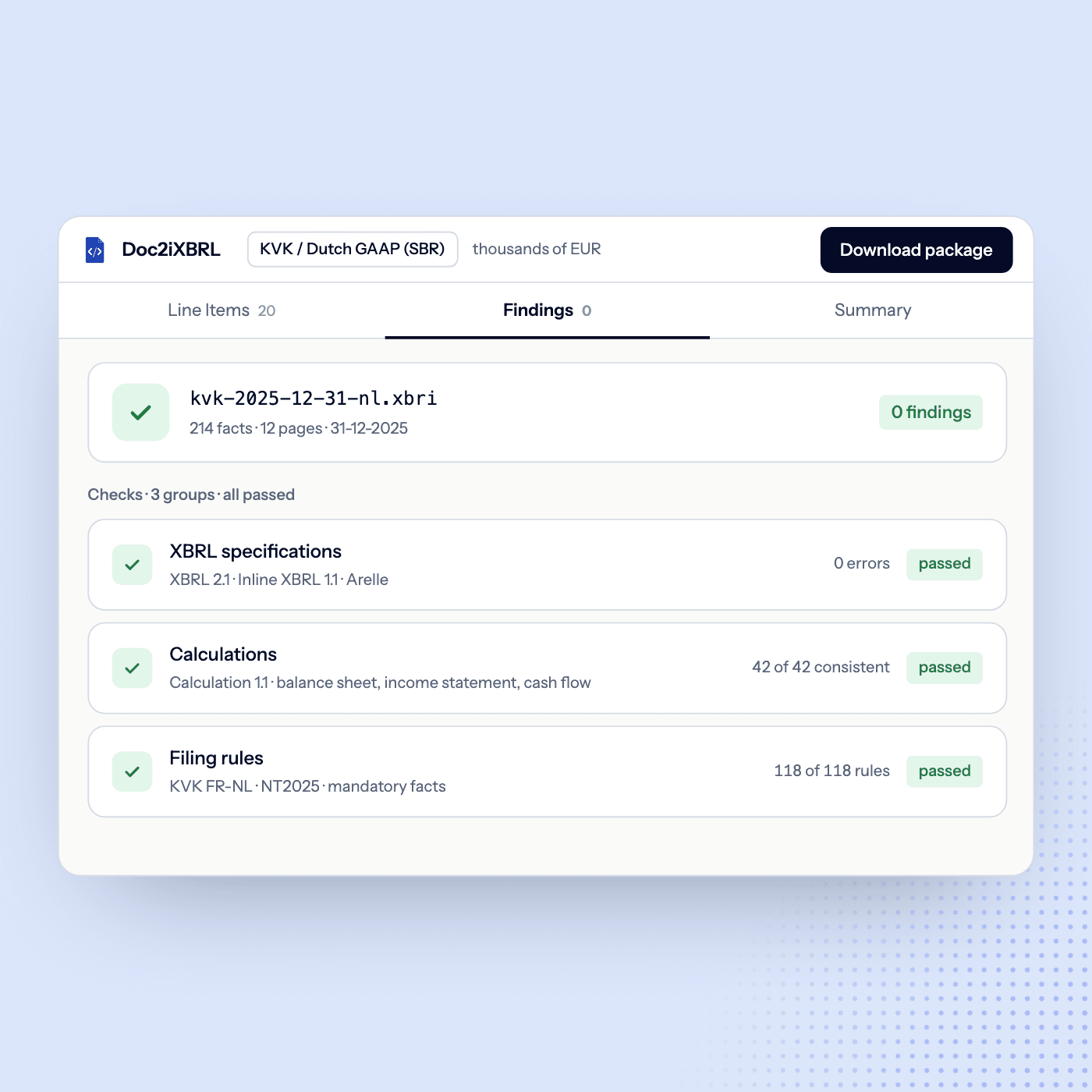
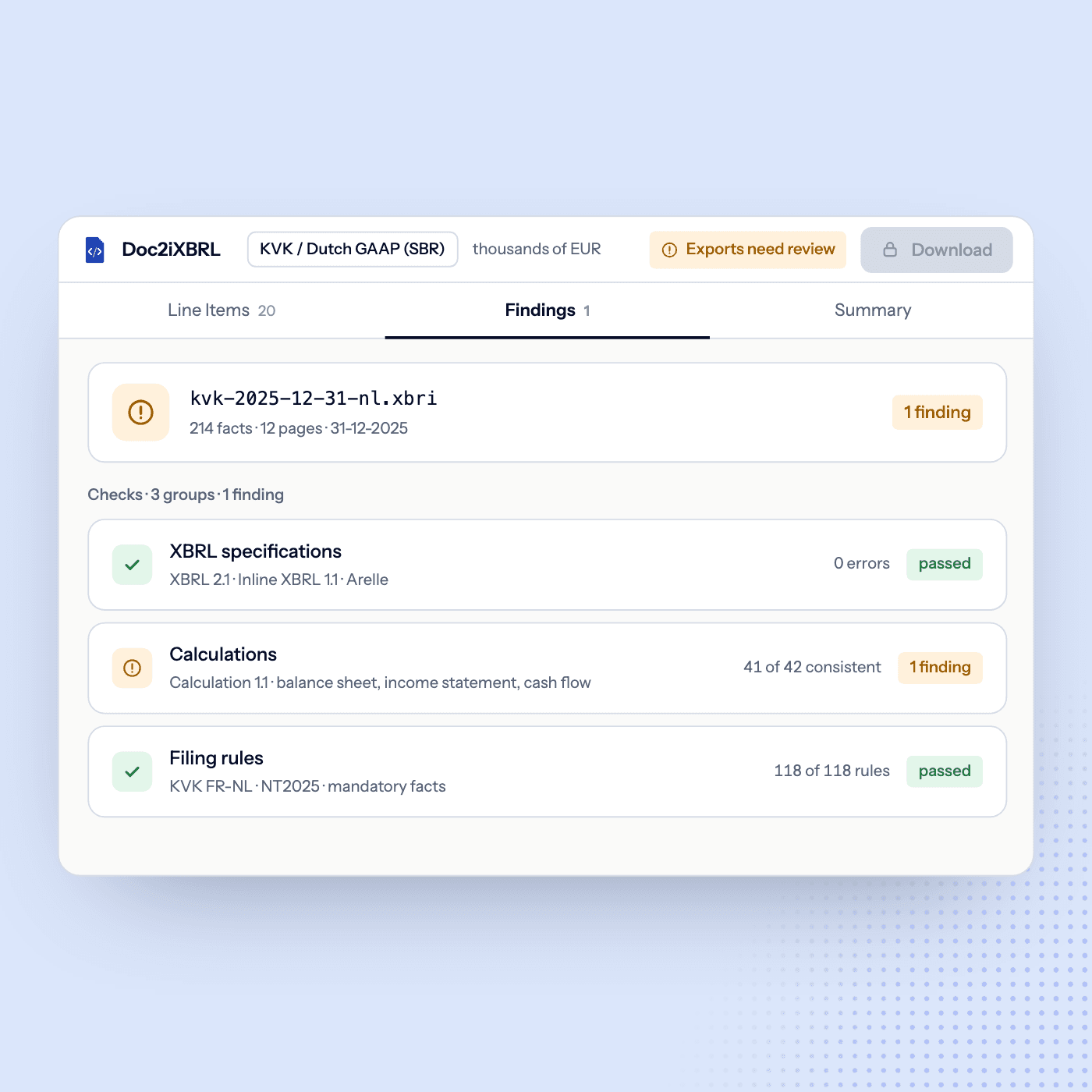
Before the green light

See how a report package turns raw rule output into pass, review and fix states before the checks are listed.

Specification checks · passedDoc2iXBRL checks · 1 finding
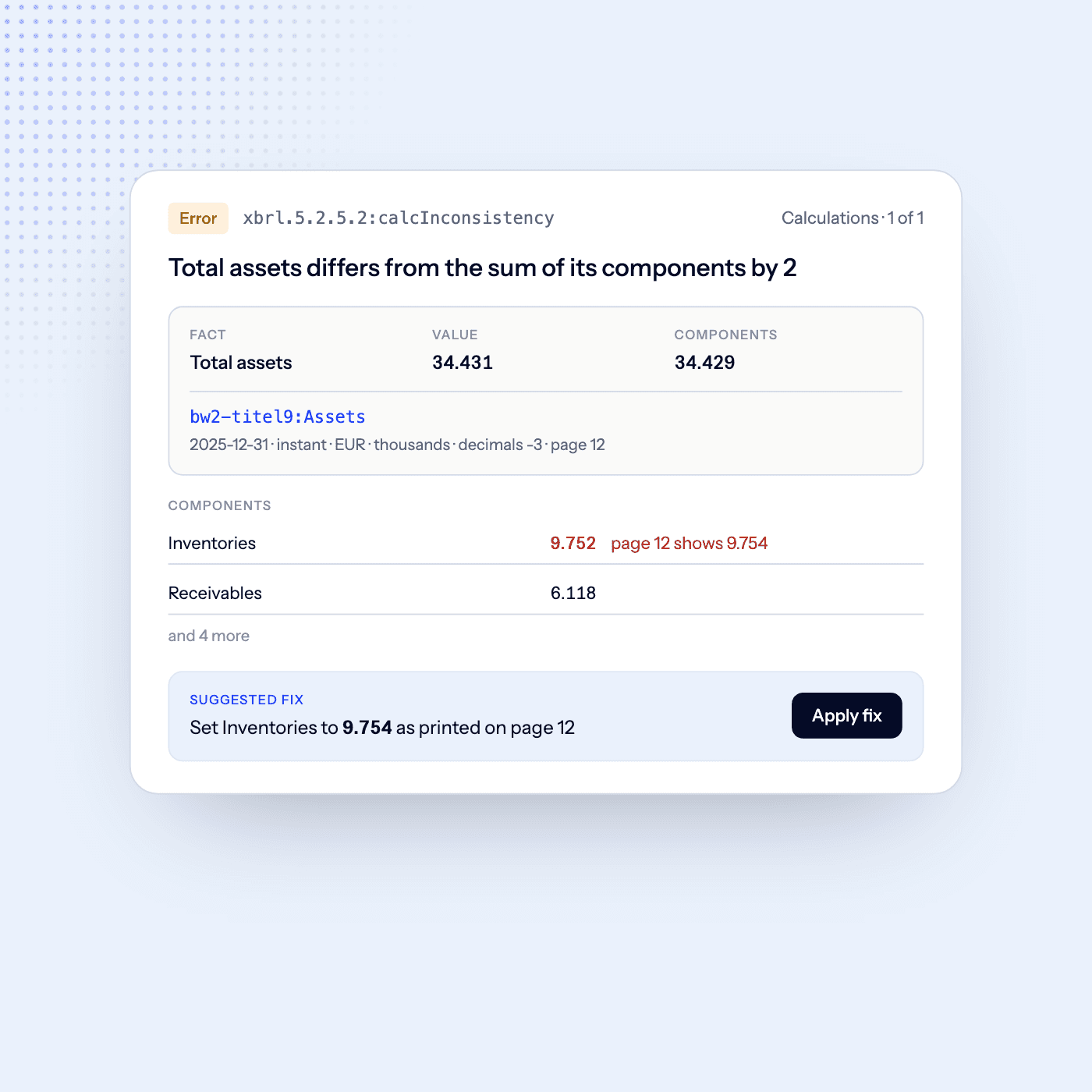
Calculation consistency
[inconsistency] xbrl.5.2.5.2:calcInconsistency concept: bw2-titel9:AssetsTotal reported: 15.234.000 · computed: 15.234.001 context: c-2025 · unit: iso4217:EUR

Total assets are reported as 15,234,000, but the components add up to 15,234,001: a rounding difference of 1 in the comparative column.

Suggested fix ready: adjust the comparative rounding

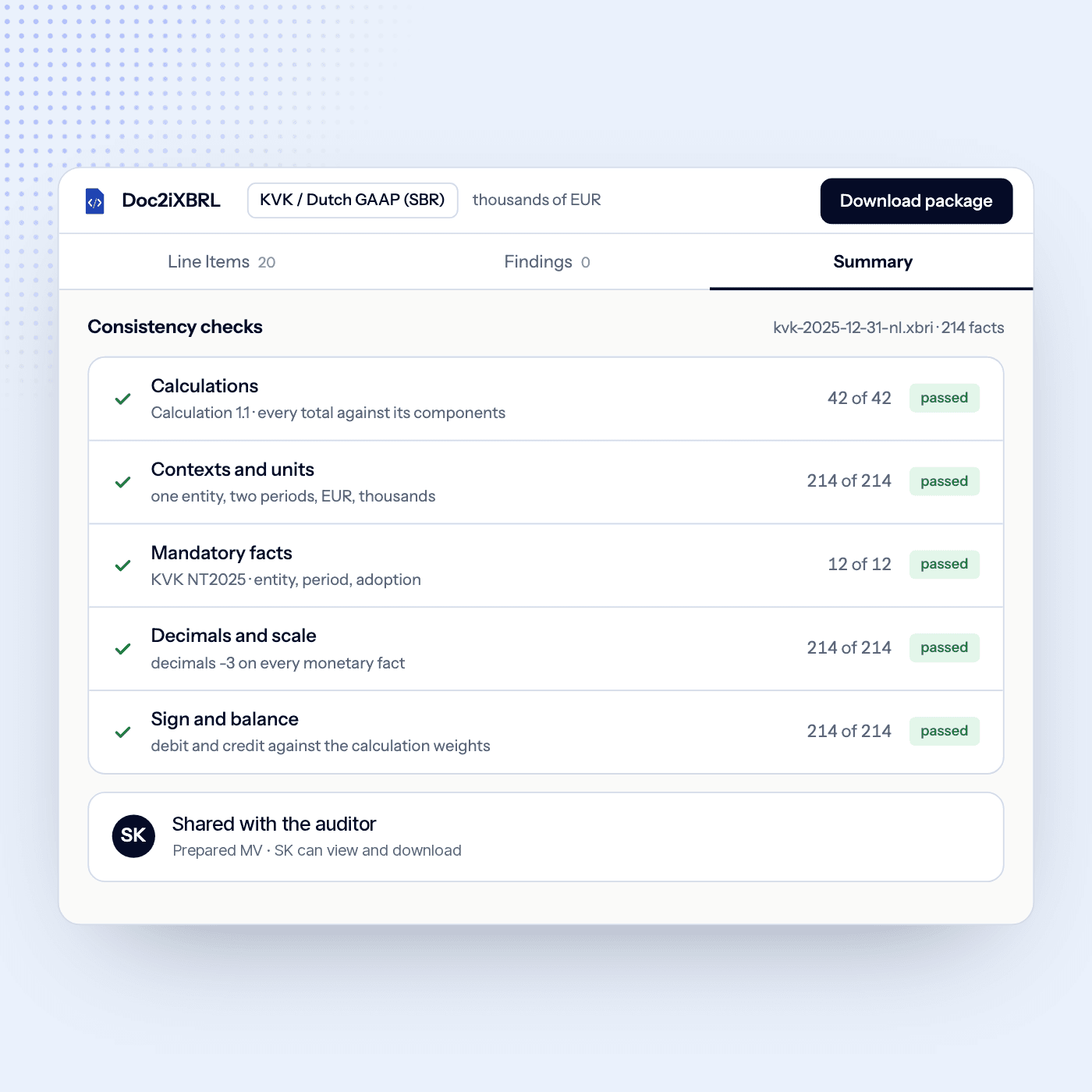
Both validators have to pass before the package can be downloaded.

That is one row. A demo walks a full example annual report through the same steps.

Request a demo

What the validator checks.

XBRL & Inline XBRL conformance

Contexts, units, decimals, dimensional members and duplicate facts, plus the binding between the rendered report and the facts inside it, all checked against the XBRL and Inline XBRL specifications.

Calculation consistency

Every total is recomputed from its components against the calculation relationships the taxonomy defines for the financial year, and a subtotal that foots on the page but has no calculation arc behind it is flagged rather than accepted.

SBR & ESEF filing rules

SBR Filing Rules (fr-nl) on the NL Taxonomy for KVK and Dutch GAAP filings, and the ESMA ESEF rule sets on the IFRS taxonomy for listed issuers, with the taxonomy vintage matched to the financial year.

Checks the specification cannot express

A semantic layer reads the model behind the package: consolidated figures tagged in a separate-company context, values bleeding across scopes, signs that contradict the label, statements missing from the filing.

Report package integrity & anchoring

The archive opens, the taxonomyPackage.xml manifest and catalog resolve, the entry point loads every schema and linkbase it depends on, and each extension concept is anchored where the rules require it.

Plain-language findings with the fix

Every finding is classified and carries its rule code and message, plus the location in the package, a plain-language explanation and a suggested action wherever the check can pin them down, so a reviewer can correct it and re-validate in place.

The platform prepares and validates iXBRL packages. Final acceptance of a filing depends on the receiving system and the reviewer's professional judgement.

Two validators. One green light.

A standards pass and our own pre-filing pass run in lockstep, and both have to clear before the package can be downloaded. A pass means no blocking errors are left on the taxonomy in force for that financial year; advisory warnings can still stand alongside it. A failure points at the fact, context or linkbase at issue, and, where the rule is unambiguous, the layer to repair it in.

The rule code and message behind every finding
A plain-language explanation, not only a rule code
The location and the layer to repair, where the check pins them
A timestamped PDF audit log for the file

Already have a Report Package?

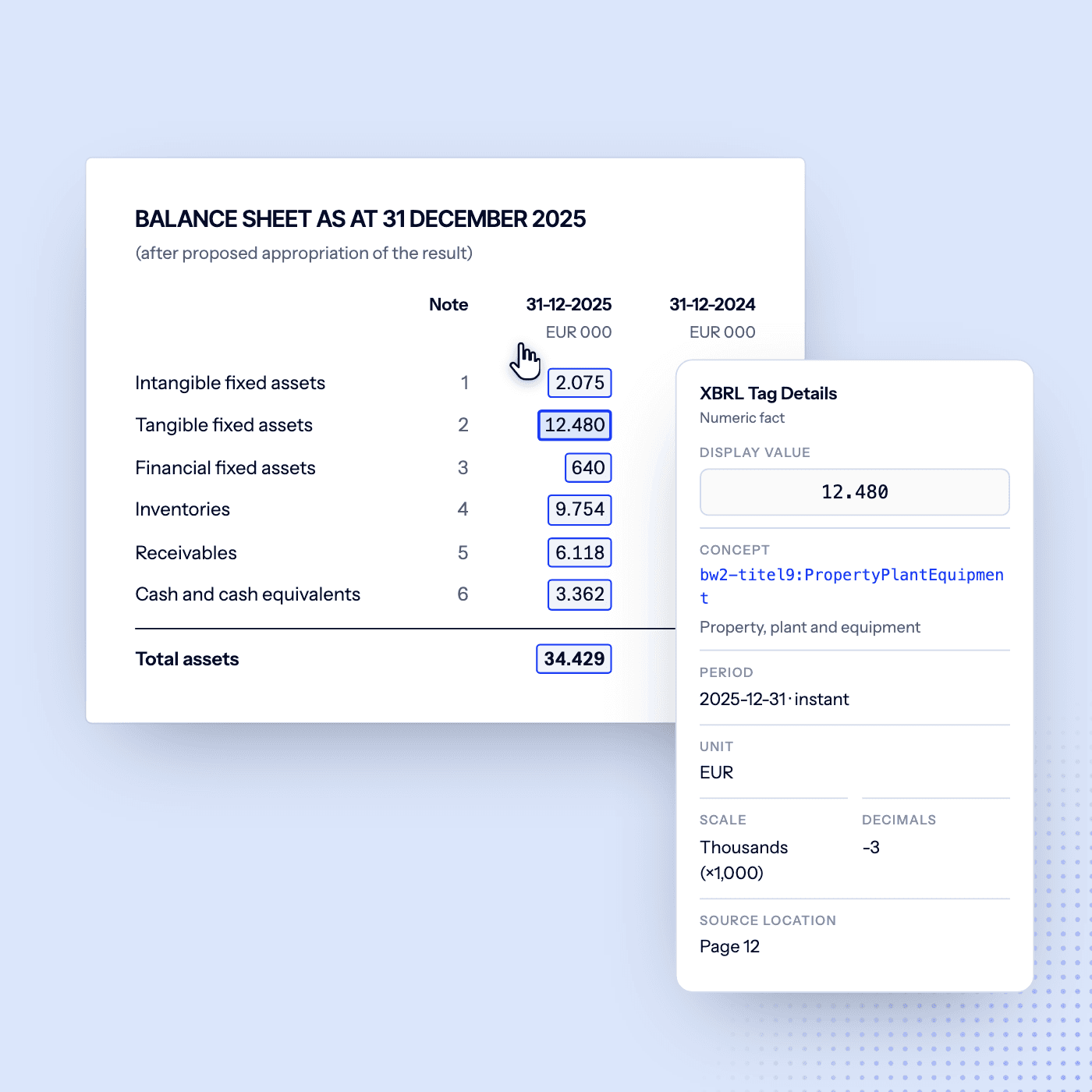
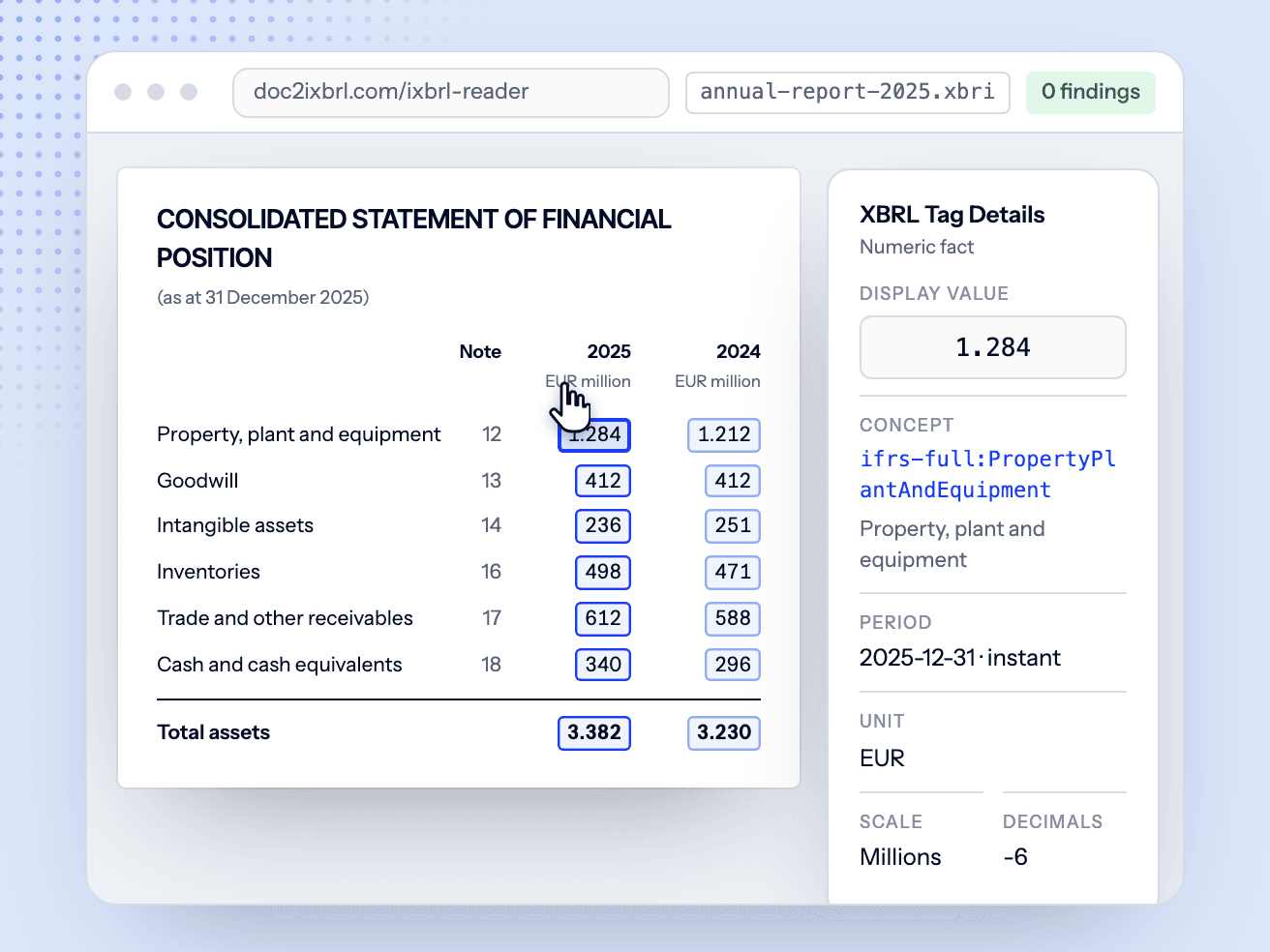
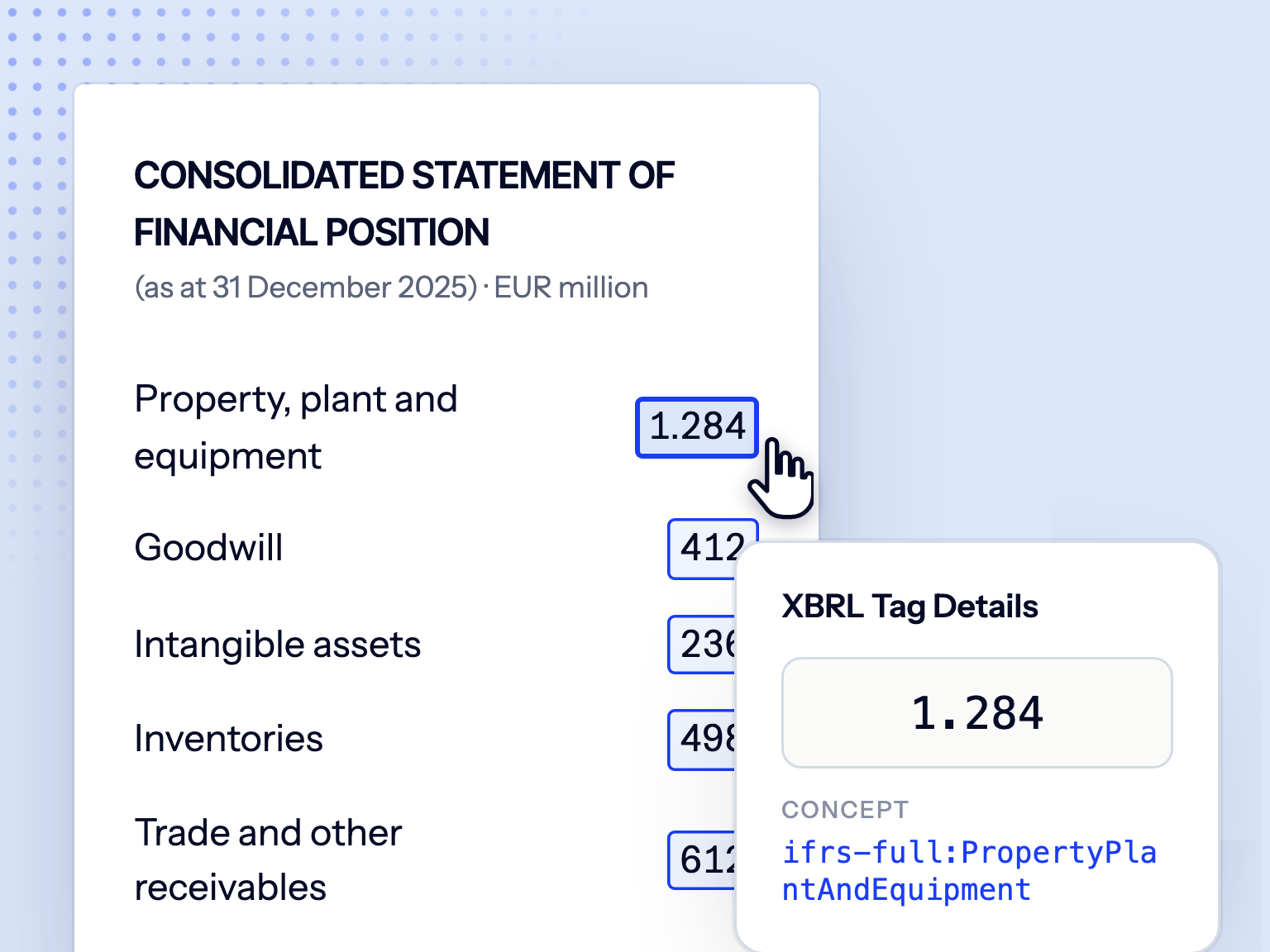
Open and inspect any tagged iXBRL or ESEF Report Package (.zip, .xbri, .xbr) side by side with every XBRL fact. Free, no account, nothing to install.

Open the free iXBRL Reader

iXBRL validator FAQ

What is an iXBRL validator?
An iXBRL validator checks that a tagged Inline XBRL report meets the XBRL specification and the filing rules of the system it's going to: calculations, contexts, units, dimensions, taxonomy use and package structure. Doc2iXBRL validates against the SBR (KVK) and ESEF (ESMA) rule sets and explains failures in plain language.
How do I validate an iXBRL file before filing?
Bring your report into the Doc2iXBRL workflow and validation runs automatically on every change, before you export the package. Already have a finished Report Package? Open it free in our iXBRL Reader to inspect every tagged fact side by side with the rendered report.
Which filing rules and taxonomies do you check?
SBR Filing Rules (fr-nl) on the NL Taxonomy 2025 for KVK and Dutch GAAP filings, including IFRS preparers depositing at KVK through the SBR entry point, and the ESMA ESEF rule sets on the IFRS taxonomy for EU-listed issuers. Calculation checking follows the calculation relationships defined by the taxonomy in force for the financial year.
How is this different from running a free XBRL validator yourself?
A standards validator tells you which rule failed. Doc2iXBRL runs those same specification and filing-rule checks, adds semantic checks the specification cannot express, and returns findings in plain language with their location and a suggested fix, inside the workflow where you correct the tagging and re-validate. You get the repair, not just the rule code.
Can I validate an ESEF report package?
Yes. ESEF / IFRS report packages are validated against the ESMA RTS rule sets, with the disclosure-system vintage matched to the reporting year (for example esef-2024 vs esef-2025), including anchoring of extension concepts.
What does a validation result include?
A pass or fail per filing, plus every error and warning with its rule code and message, and, wherever the check can pin them down, the location in the package, a plain-language explanation, a suggested action and the layer to repair it in. A pass means no blocking errors remain; advisory warnings can still be listed alongside it. The whole run can be exported as a timestamped PDF audit log.
Does a clean validation guarantee acceptance?
No. A clean result means the package meets the XBRL specification and the filing rules we check. Final acceptance still depends on the receiving system (KVK, Digipoort, the AFM/ESMA) and the reviewer's professional judgement.

See the workflow on an example report

Request a demo to walk through an example annual report in Doc2iXBRL, from PDF to reviewable, validated iXBRL, then discuss your filing and questions.