Products / KVK filing

Dutch GAAP iXBRL tagging, ready for KVK.

From financial year 2025, every legal entity with a filing obligation — micro to large — files digitally via SBR. Doc2iXBRL produces the validated iXBRL package — workflows tuned for the SBR Filing Rules and NL Taxonomy 2025. Submission to KVK remains with you or your filing agent.

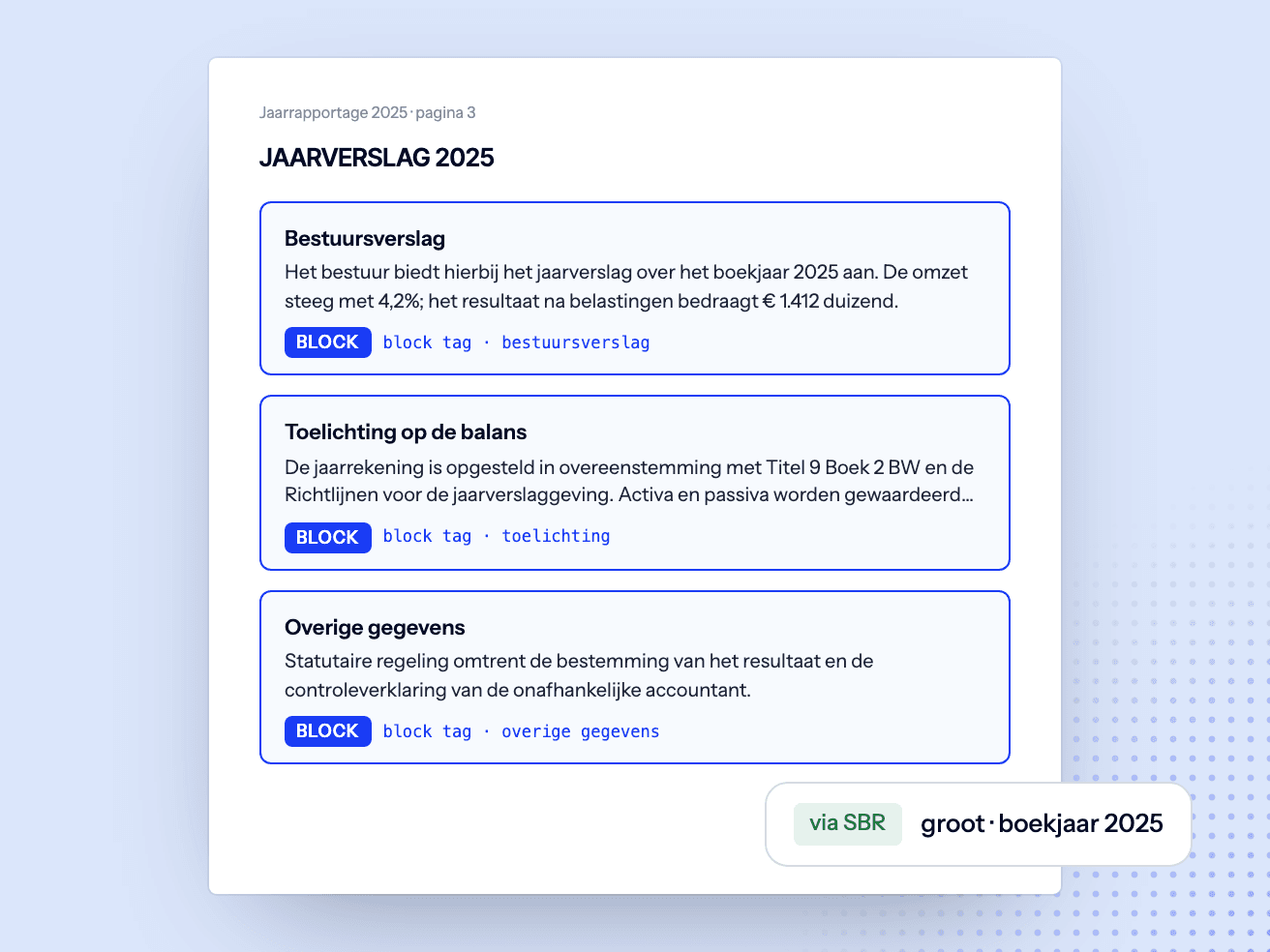
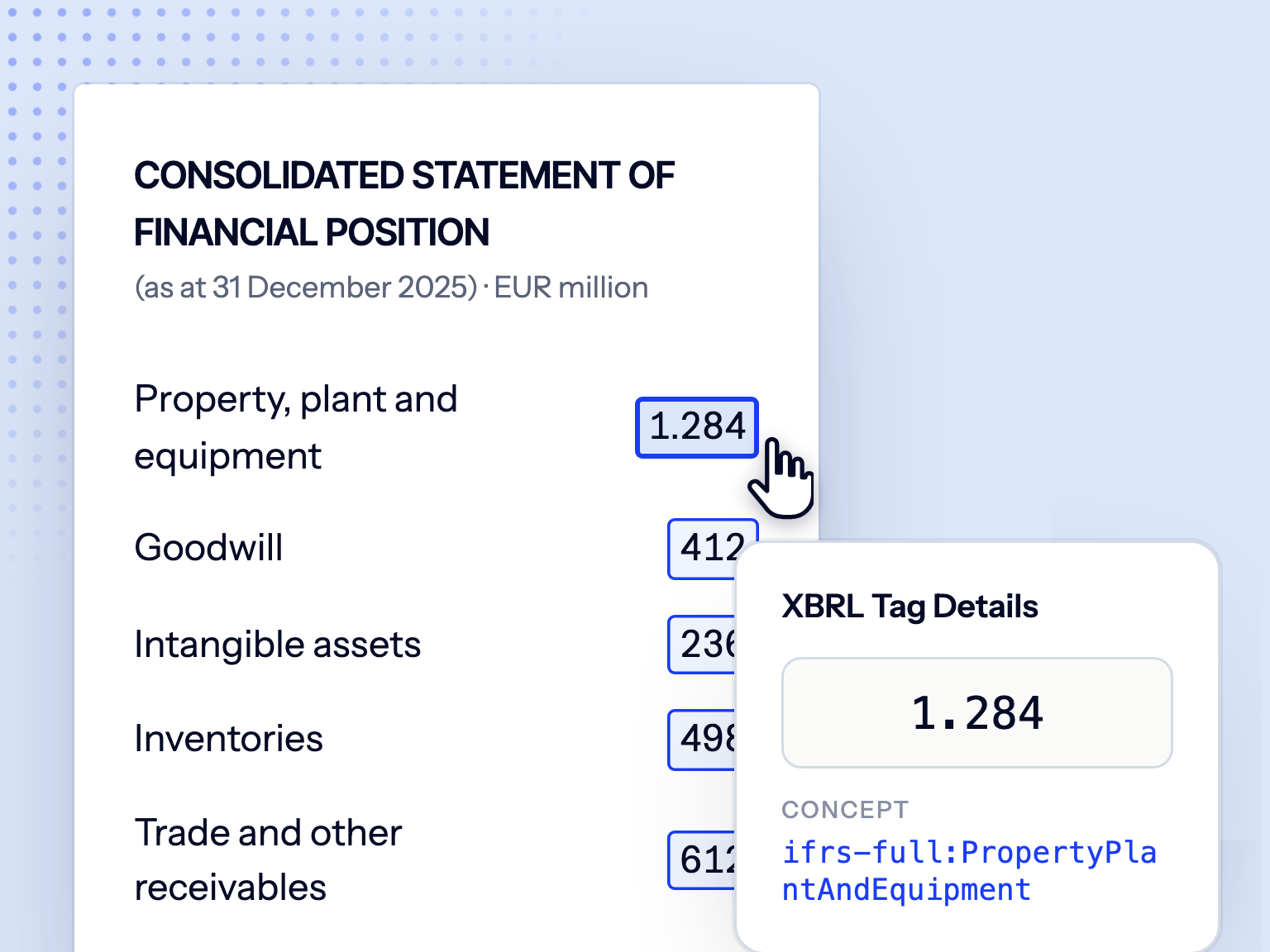
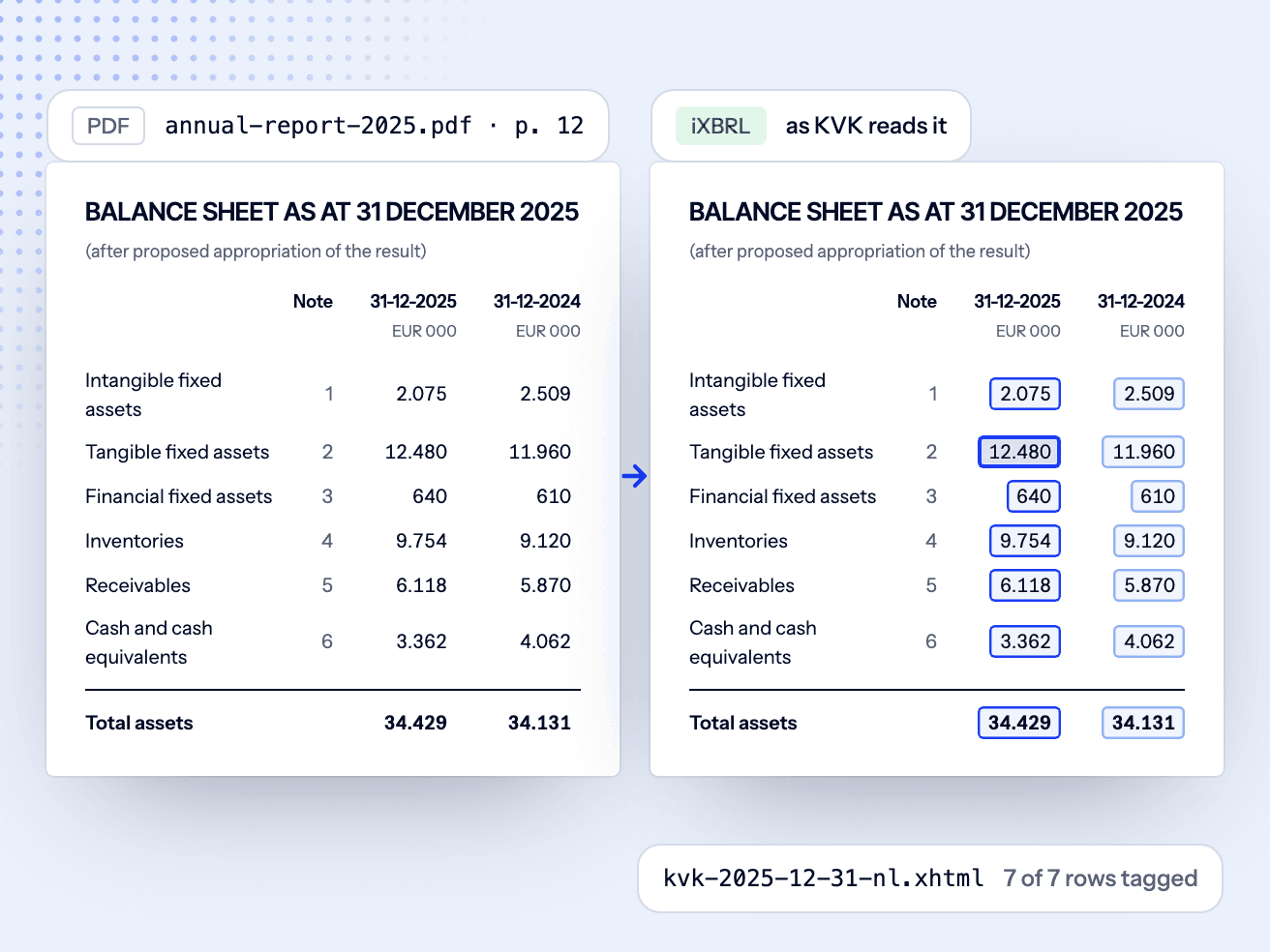
The same report, before and after SBR tagging.

A balance sheet under BW2 Titel 9, rendered as your PDF shows it and as KVK's systems read it. Flip the view: every tagged fact resolves against the SBR Filing Rules before handoff.

Property, plant and equipmentbw2-titel9:TangibleAssets8.450.000
Cash and cash equivalentsbw2-titel9:CashAndCashEquivalents3.362.000
Total assetsbw2-titel9:AssetsTotal15.234.000
SBR Filing Rules · passedEvery value tagged against NL Taxonomy 2025, ready for your filing agent.

That is one row. A demo walks a full example annual report through the same steps.

Request a demo

Where Doc2iXBRL fits in your KVK filing process.

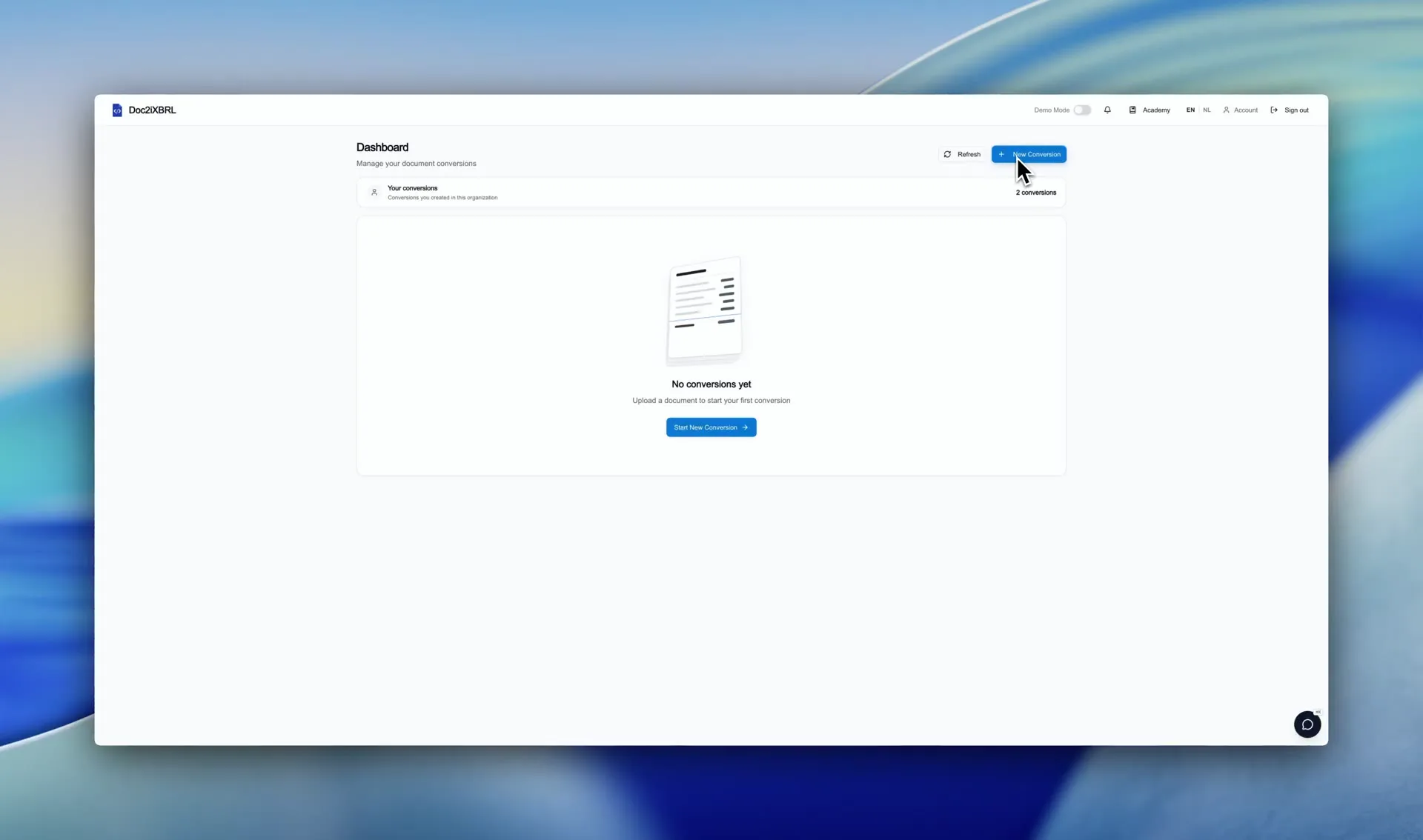
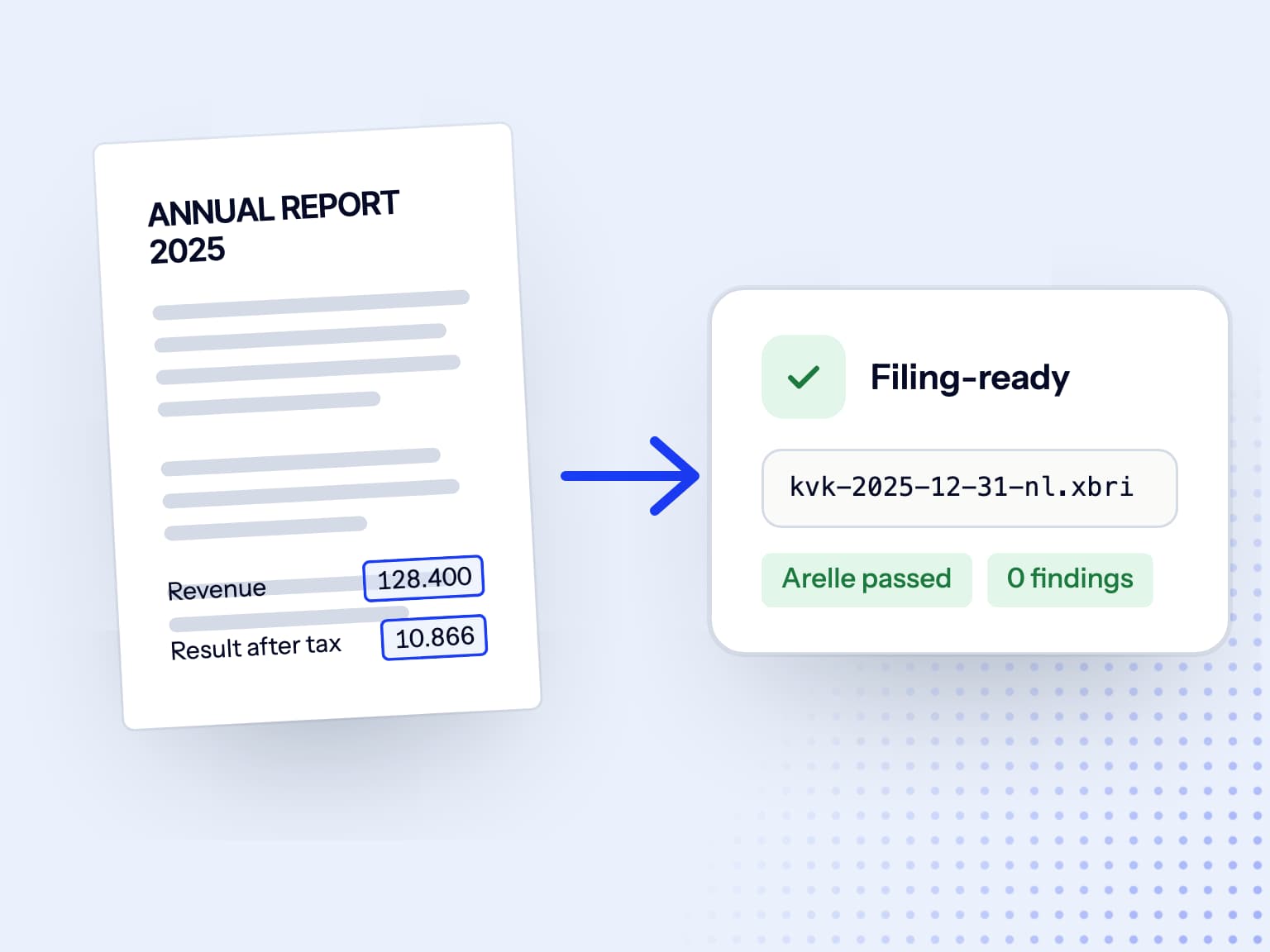
The software covers conversion, review and validation between the annual report you already prepare and the submission route you choose.
  1. Input

    Your existing annual-report PDF

    Start with the PDF your team already prepares.

  2. Review

    Mappings and checks stay reviewable

    Doc2iXBRL proposes the mappings; your reviewer approves them and validation runs before download.

  3. Submission

    Submission remains a separate step

    Doc2iXBRL prepares and validates the iXBRL package. Submission to KVK remains with you or your existing filing agent.

The regulatory change

For financial years beginning on or after 1 January 2025, the electronic filing requirement via SBR also applies to large legal entities.

This date describes the filing obligation. The required filing profile and package contents depend on the entity and financial year.

This check does not determine whether you must file, your business class, or the disclosures required. Confirm those points with KVK and your accountant before conversion.

What's covered.

NT2025 RJ-combined

RJ and BW2 Titel 9 concepts and entry points covered, including SME variants.

SBR Filing Rules

The SBR Filing Rules (fr-nl) rule set runs on every save; warnings surface inline.

Anchoring extensions

Create and anchor extensions where a standard concept doesn't fit.

Comparative periods

Two-year comparatives, restated balances, and rounding handling.

Reviewable package

taxonomyPackage.xml, manifest and instance, all inspectable before download.

Filing-agent handoff

Hand the downloaded package to your existing KVK filing agent. Confirm their intake requirements before conversion; if KVK rejects the filing, return to the surfaced validation results and regenerate the package. See which documents become public for each business class.

The platform prepares and validates iXBRL packages. Final acceptance of a filing depends on the receiving system and the reviewer's professional judgement.

KVK iXBRL filing FAQ

Which taxonomy does Doc2iXBRL support for KVK?
NL Taxonomy 2025 with RJ and BW2 Titel 9 entry points, including SME variants. The platform tracks annual taxonomy releases and ships Dutch GAAP support before the filing window opens.
Are SBR Filing Rules checked before export?
Yes. The SBR Filing Rules (fr-nl) rule set runs on every save alongside Arelle validation. Warnings and errors surface inline in the reviewer.
Who submits the package to KVK?
Doc2iXBRL prepares and validates the iXBRL package. Submission to KVK remains with you or your existing filing agent.
What if KVK rejects the filing?
Rerun the validator stack against the rejection report, address the surfaced rules in the app, and regenerate the package. Final acceptance still depends on KVK's receiving system and the reviewer's judgement.
Can our filing agent use the exported package?
The download contains taxonomyPackage.xml, manifest and instance files for handoff to your filing agent. Confirm the agent's intake requirements before conversion.
What does this replace in a typical KVK filing process?
Teams often either re-key the approved annual report into filing software or outsource the SBR conversion. Doc2iXBRL starts from the approved PDF and keeps every mapping reviewable, so changes can be handled in the same conversion workflow.

See the workflow on an example report

Request a demo to walk through an example annual report in Doc2iXBRL, from PDF to reviewable, validated iXBRL, then discuss your filing and questions.